
Google Cloud Storage
Learn how to connect your Google Cloud Storage buckets to PixelFiddler for seamless media management and transformation.
Overview
Section titled “Overview”Google Cloud Storage integration allows you to use your existing GCS buckets as media sources in PixelFiddler. Once connected, you can transform images directly from your buckets without moving files, while benefiting from PixelFiddler’s CDN and caching capabilities.
Prerequisites
Section titled “Prerequisites”Before connecting Google Cloud Storage, ensure you have:
- A Google Cloud Platform account with billing enabled
- A GCS bucket with your media files
- Appropriate permissions to create service accounts
- Basic familiarity with Google Cloud Console
Quick Setup
Section titled “Quick Setup”- Create a service account in Google Cloud Console
- Generate and download the service account key
- Add the media source in PixelFiddler
- Test the connection with a sample file
Step 1: Create a Service Account
Section titled “Step 1: Create a Service Account”A service account provides secure, programmatic access to your GCS bucket.
Using Google Cloud Console
Section titled “Using Google Cloud Console”- Navigate to the Google Cloud Console
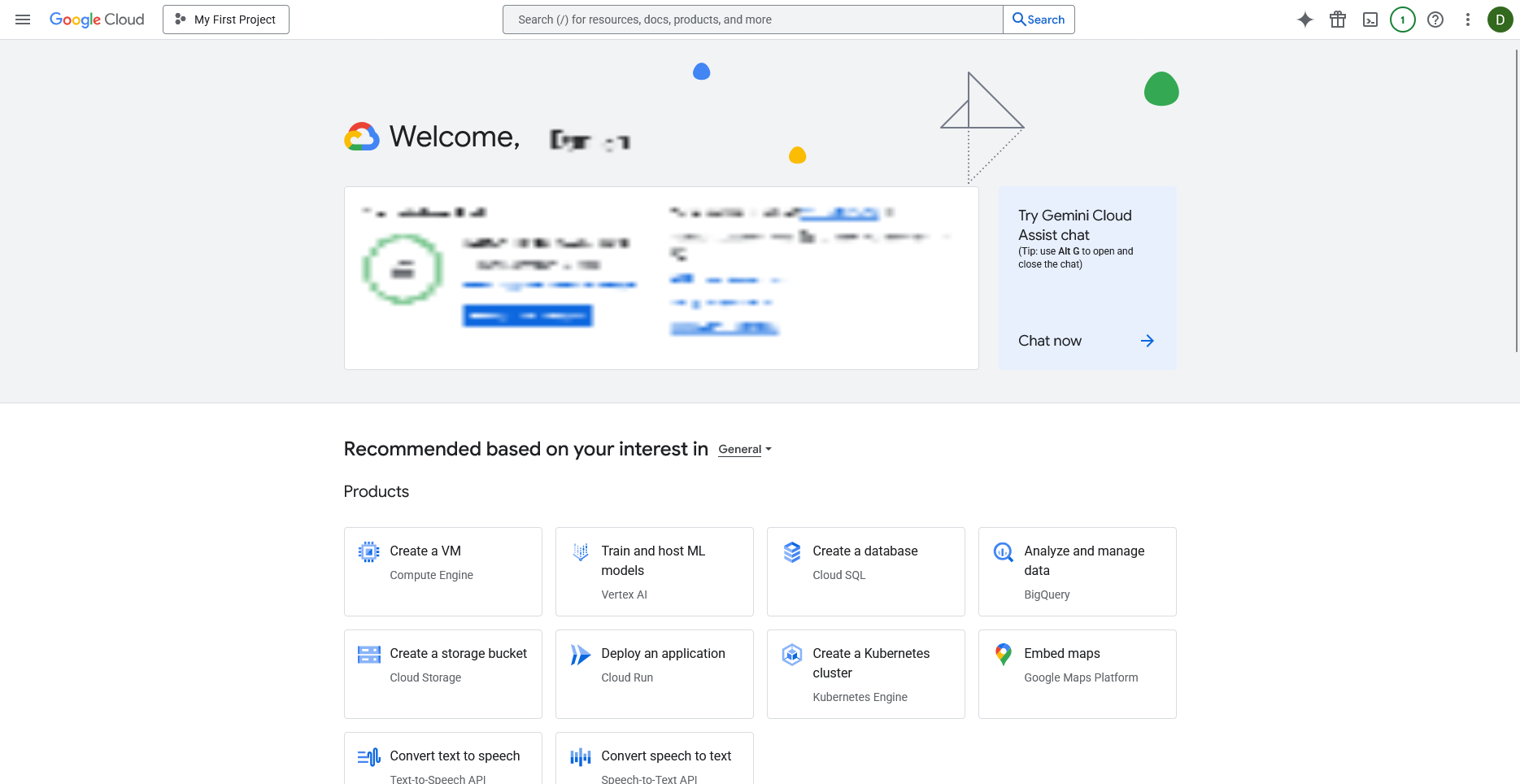
- Select your project or create a new one
- Go to IAM & Admin > Service Accounts
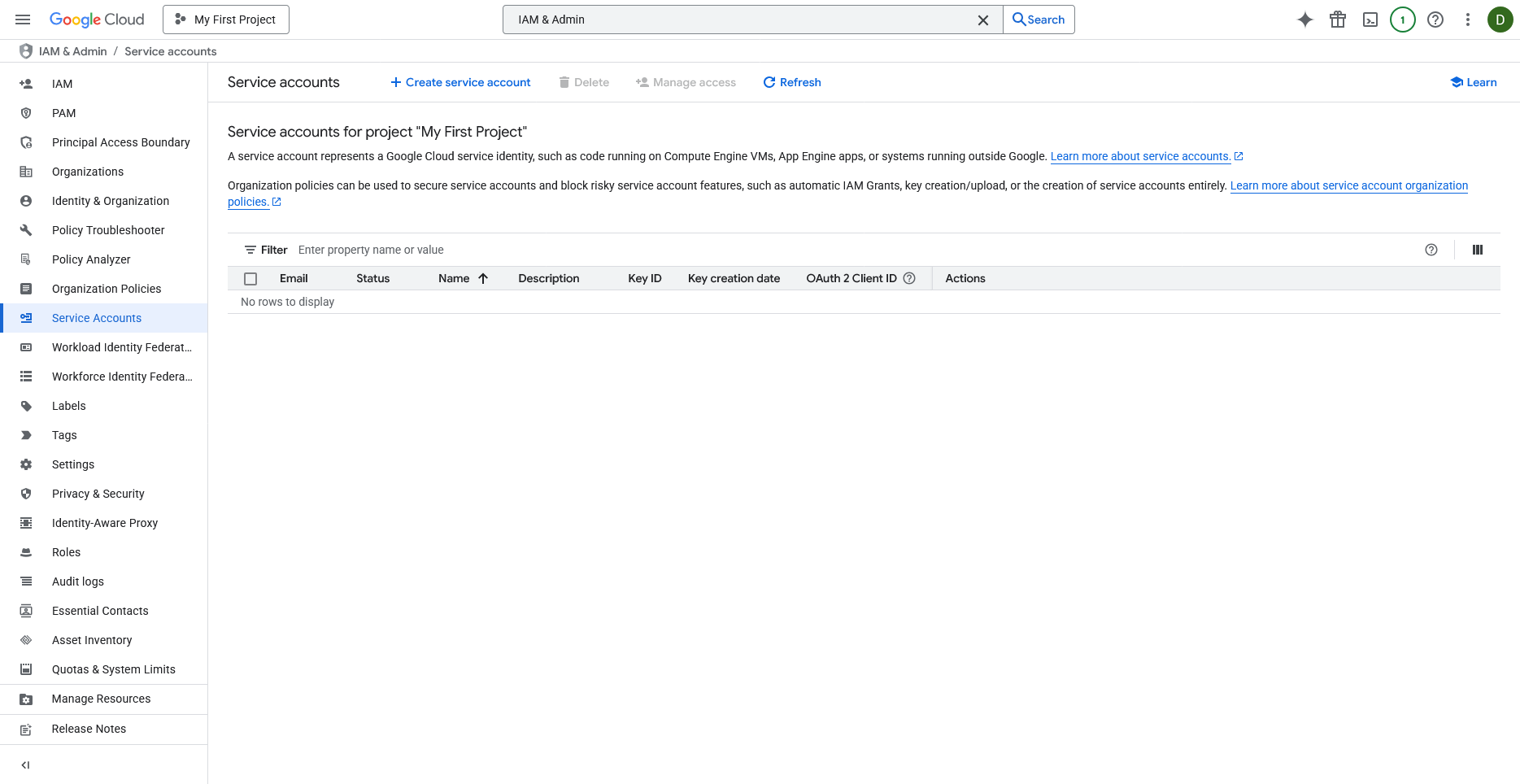
- Click Create Service Account
- Fill in the details:
- Name:
pixelfiddler-media-access - Description:
Service account for PixelFiddler media source integration
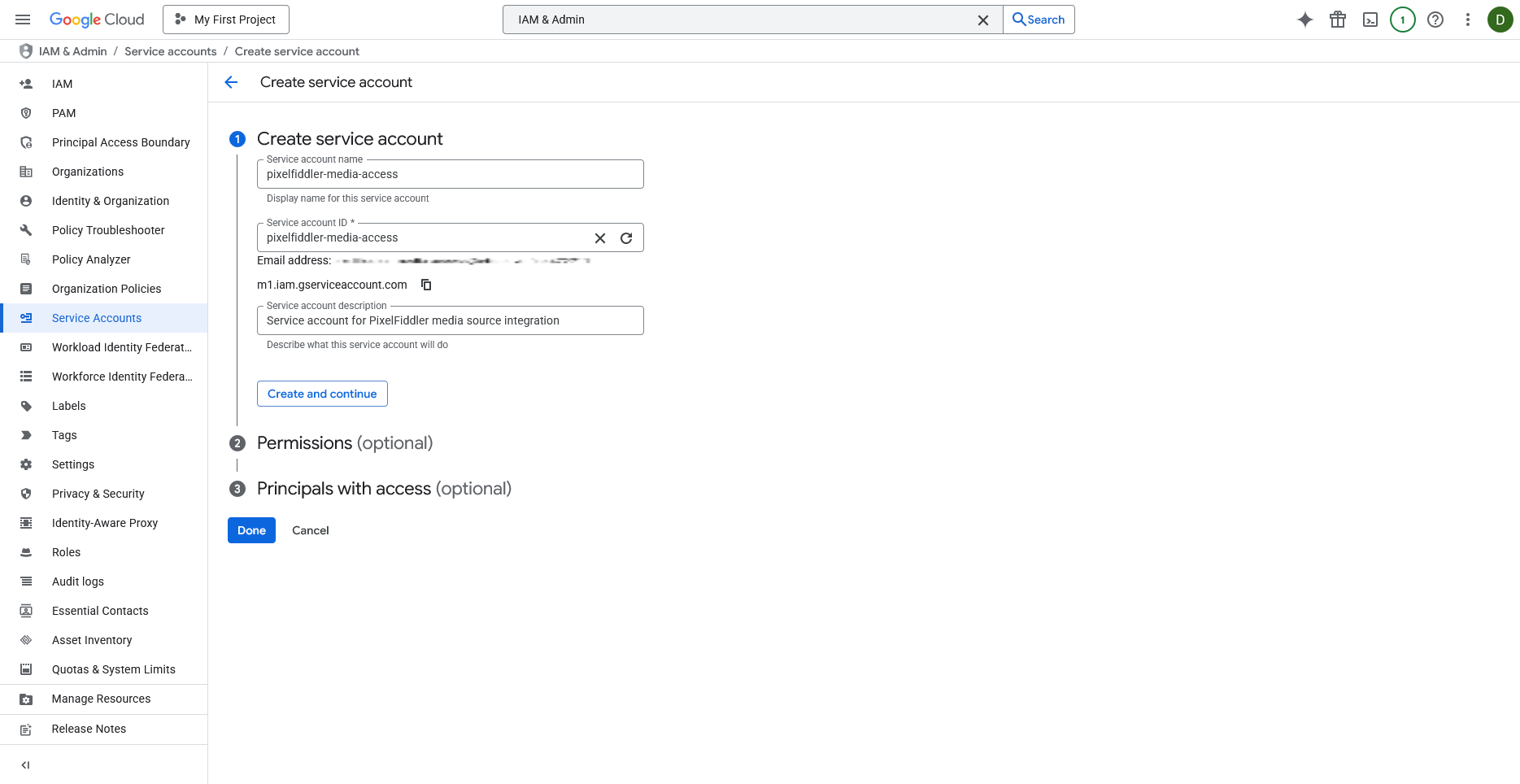
- Click Create and Continue
Assign Permissions
Section titled “Assign Permissions”Grant the service account read access to your storage bucket:
- In the Permissions section
- Add the role: Storage Object Viewer
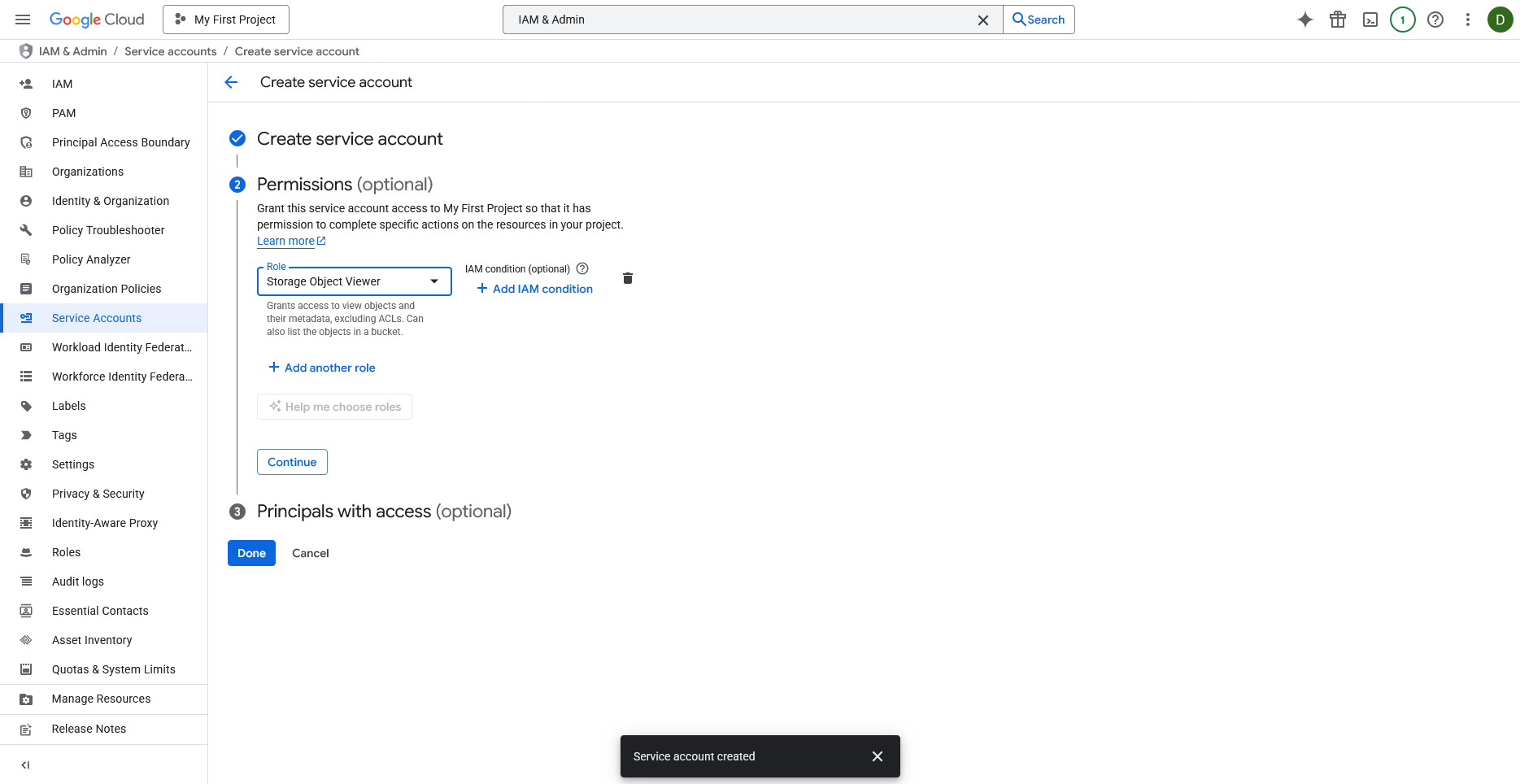
- For more granular control, you can assign Storage Legacy Bucket Reader instead
- Click Continue, then Done
Generate Service Account Key
Section titled “Generate Service Account Key”- Find your newly created service account in the list
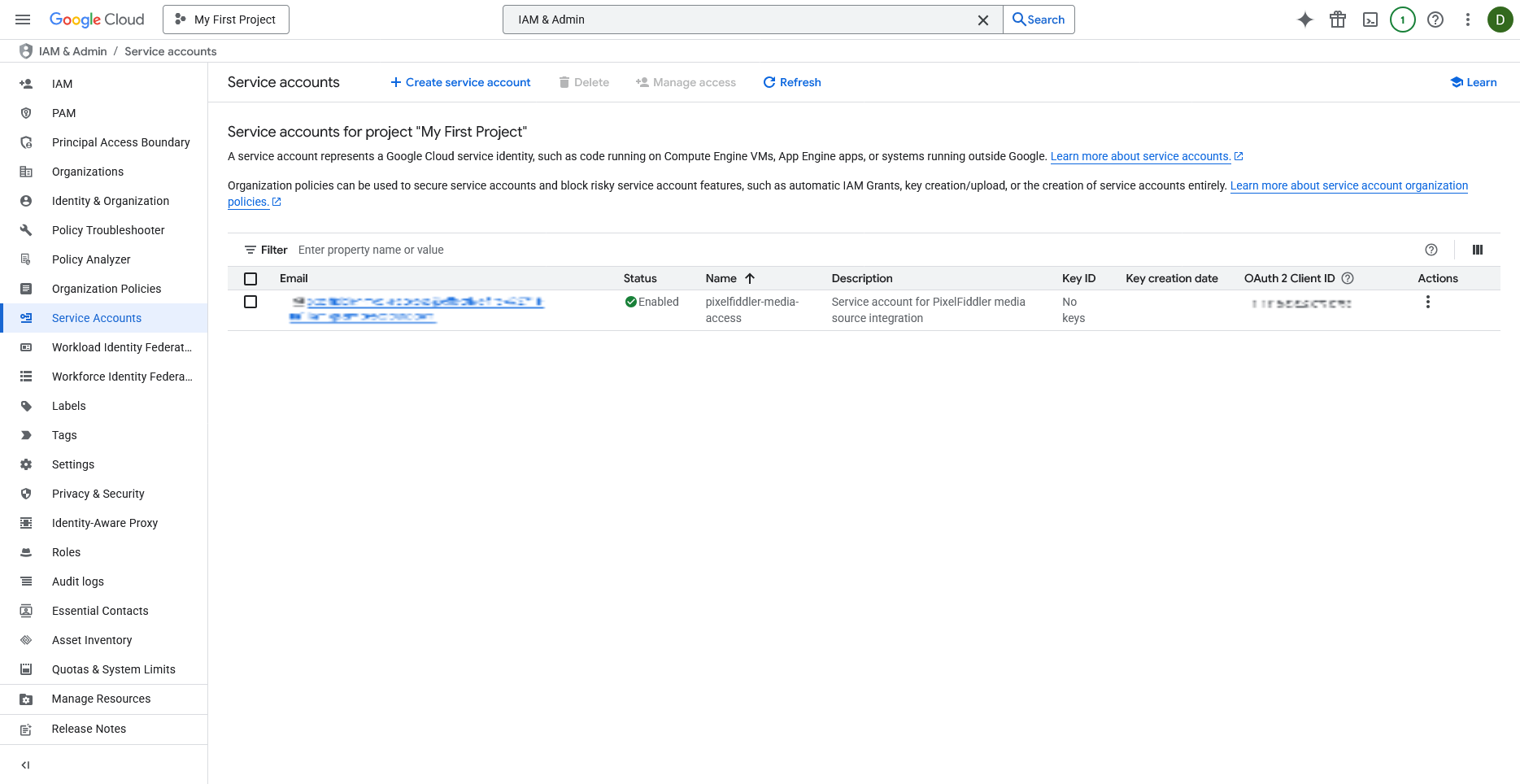
- Click on the service account name
- Go to the Keys tab
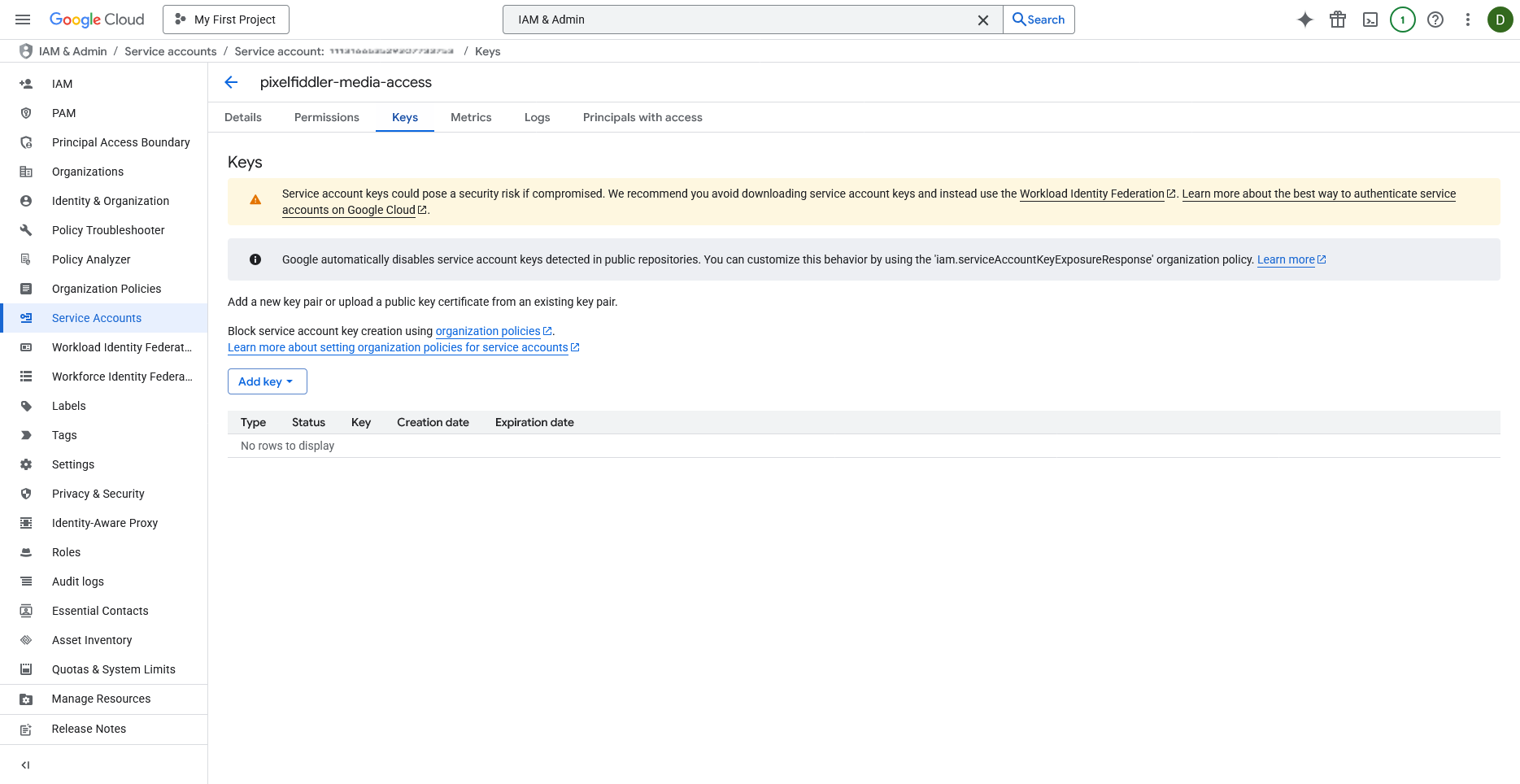
- Click Add Key > Create new key
- Select JSON format
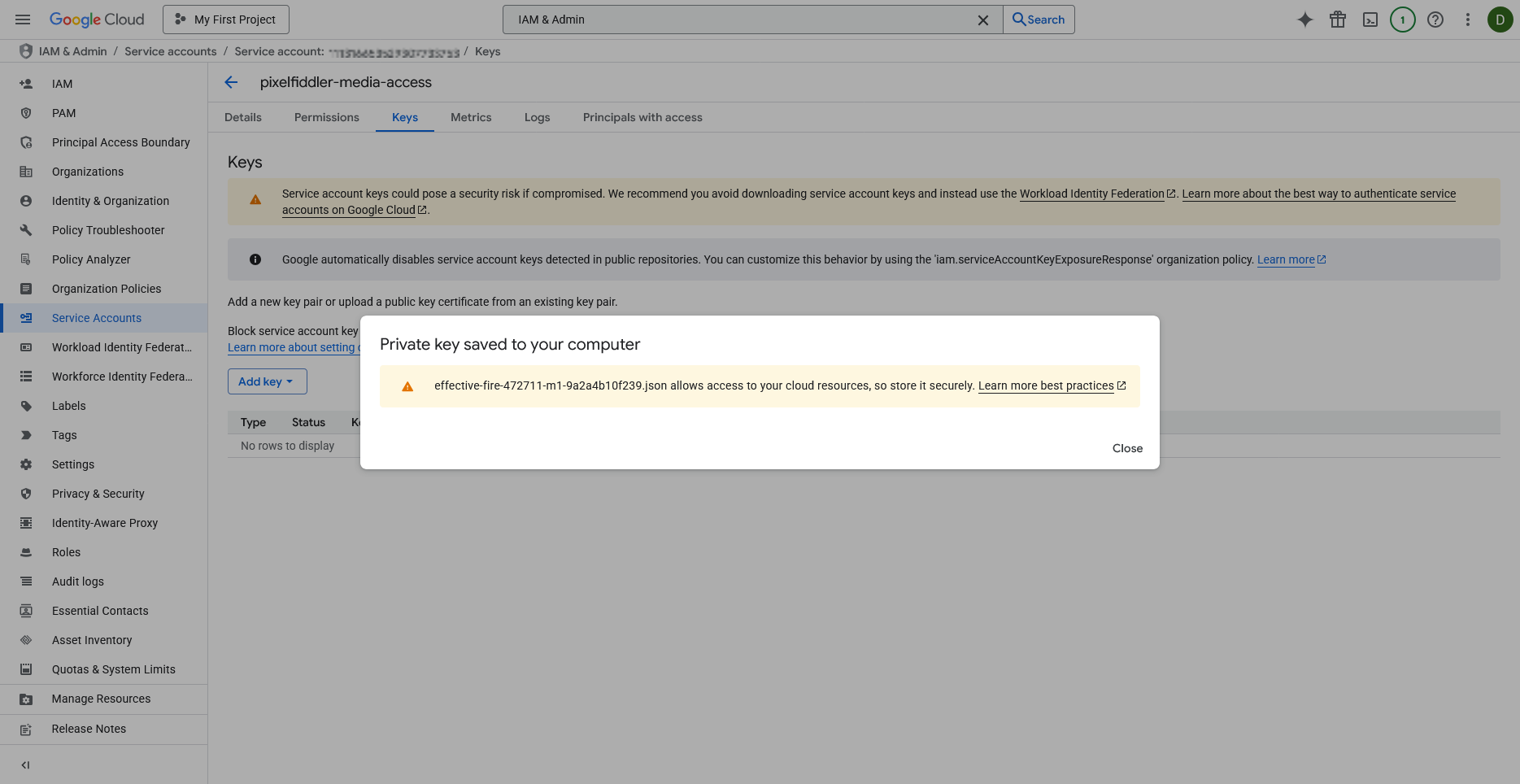
- Click Create
- Save the downloaded JSON file securely - you’ll need it for PixelFiddler
Step 2: Create Media Source in PixelFiddler
Section titled “Step 2: Create Media Source in PixelFiddler”Once your Google Cloud setup is complete, you can link your GCS bucket to PixelFiddler:
- Navigate to your Sources page in the PixelFiddler dashboard
- Click “Link new source”
- Select Google Cloud Storage as your source type
- Fill in the connection details using the information from your Google Cloud setup

Required Configuration
Section titled “Required Configuration”| Field | Description | Example |
|---|---|---|
| Name | Display name for your source | Product Gallery |
| Alias | Unique identifier (kebab-case) | product-gallery |
| Bucket | Your GCS bucket name | my-product-images |
| Service Account JSON | Complete JSON key file content | Upload downloaded JSON |
Optional Configuration
Section titled “Optional Configuration”- Base URL: Custom Google Cloud Storage endpoint (only needed for local development with emulators like fake-gcs-server)
Verifying Your Connection
Section titled “Verifying Your Connection”After clicking “Create”, PixelFiddler will attempt to connect to your GCS bucket:
✅ Success
Section titled “✅ Success”If the connection succeeds, you’ll see a confirmation message and can immediately:
- Browse your files in Media Management
- Start transforming images
❌ Connection Failed
Section titled “❌ Connection Failed”If you see an error message:
- Double-check your credentials:
- Verify the service account JSON is complete and valid
- Ensure the bucket name is correct and exists
- Confirm the bucket is in the same project as your service account
- Review service account permissions:
- Make sure your service account has Storage Object Viewer role
- Check that the bucket is accessible from your service account
- Verify there are no custom IAM policies blocking access
- Test bucket access:
- Try accessing the bucket directly in Google Cloud Console
- Ensure the bucket contains some test files
- Check if bucket has any access restrictions